
How to Organize Topic Clusters in One Click
If you've ever spent a Sunday afternoon dragging 80 blog posts into a spreadsheet, guessing which ones belong together, you already know the pain: manual clustering for a 50-post site takes 6-10 hours, and the clusters are stale before you finish. You're right that topic clusters matter, almost 90% of Surfer users call them essential for SEO, but the manual method is exactly what's holding your rankings back.
Here's the promise: you can organize topic clusters in one click, in under five minutes, without a single spreadsheet formula. This guide walks you through the exact workflow, drop your domain, let the engine detect pillar candidates, approve the auto-grouped posts, and publish the cluster map. Along the way, you'll see why the one-click approach doesn't just save time; it produces clusters that actually survive Google's passage indexing and AI answer engines. The surprising part comes later: most sites already have the cluster structure hiding in their sitemap, and the tool finds it before you finish your coffee.
What Are Topic Clusters and Why Does Manual Mapping Fail?
A topic cluster is a group of interlinked pages organized around one pillar page that covers a broad subject, with cluster pages addressing related subtopics and linking back to the pillar. Think of it like a library: the pillar is the main reference desk, and each cluster page is a shelf of books that all point visitors back to the desk for the full picture.
Keyword clusters group search queries by intent and similarity. Topic clusters group published pages under a pillar, a structural difference that matters when Google evaluates your site's topical authority. Passage indexing, where Google ranks a specific paragraph from a page independently, rewards sites whose clusters make each subtopic easy to isolate and cite.
Manual mapping fails for one simple reason: it doesn't scale. A content manager with 80 ungrouped posts faces a 6-10 hour spreadsheet marathon, and every new article restarts the process. The result is clusters that lag behind your publishing calendar, broken internal links, and pillar pages that never get the authority they need.
Here's the passage-indexing answer you came for: To organize topic clusters efficiently, start by crawling your XML sitemap to inventory every published URL, then identify which existing pages already function as pillars based on their breadth and inbound internal links, and finally group the remaining posts under the pillar whose topic they most directly support. This three-step structure, inventory, identify, group, is the same sequence an automated engine executes in seconds, and it's why one-click clustering produces an internal link map that manual spreadsheets can't match.
How to Organize Topic Clusters in One Click Step by Step
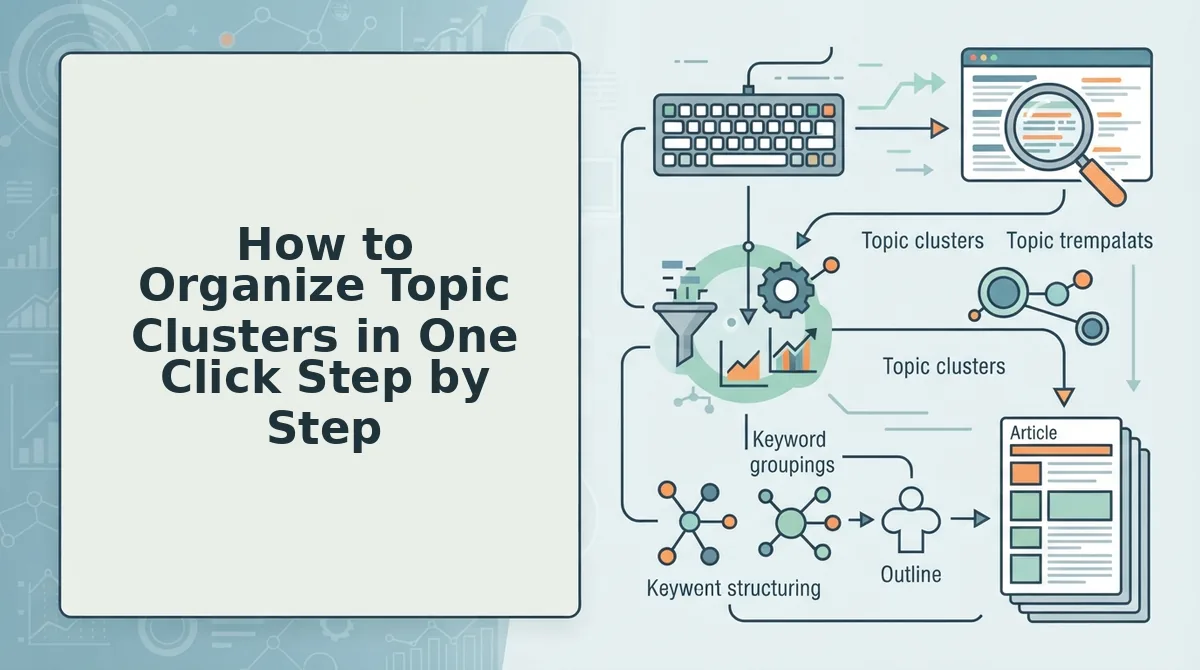
You need a domain with an accessible XML sitemap and a tool that can crawl it, extract content themes, and propose pillar pages. The full workflow, crawl sitemap, auto-detect pillar candidates, auto-group related posts, publish cluster map, takes under five minutes.
- Drop your domain into the setup wizard. Enter your site URL and click Start Crawl. The engine locates your XML sitemap automatically and inspects every published page. You should see a crawl progress indicator and, within a minute or two, a complete URL inventory.
- Review the auto-detected pillar candidates. The engine detects content themes from your existing posts and proposes pillar pages, usually your broadest, most-linked articles. You'll see a list of suggested pillars with the number of related posts each one could support. Approve or reject each candidate with one click.
- Approve the auto-grouped posts. Each remaining post is automatically assigned to the pillar whose topic it most directly supports. Review the groupings in the cluster map view. Drag any post to a different pillar if you disagree; the internal link suggestions update instantly.
- Publish the cluster structure. Click Publish Cluster Map. The engine generates the pillar-to-cluster internal linking structure and pushes it to WordPress or your custom API. You should see a confirmation message with the total number of clusters created and links mapped.
One-click clustering also surfaces content gaps, subtopics your competitors cover but your cluster doesn't. That gap list becomes your next publishing calendar, and the engine drafts those articles with your brand voice already baked in. Next, let's tackle the harder case: retroactively clustering a site with 50+ ungrouped posts.
How to Retroactively Cluster a Site With 50+ Ungrouped Posts
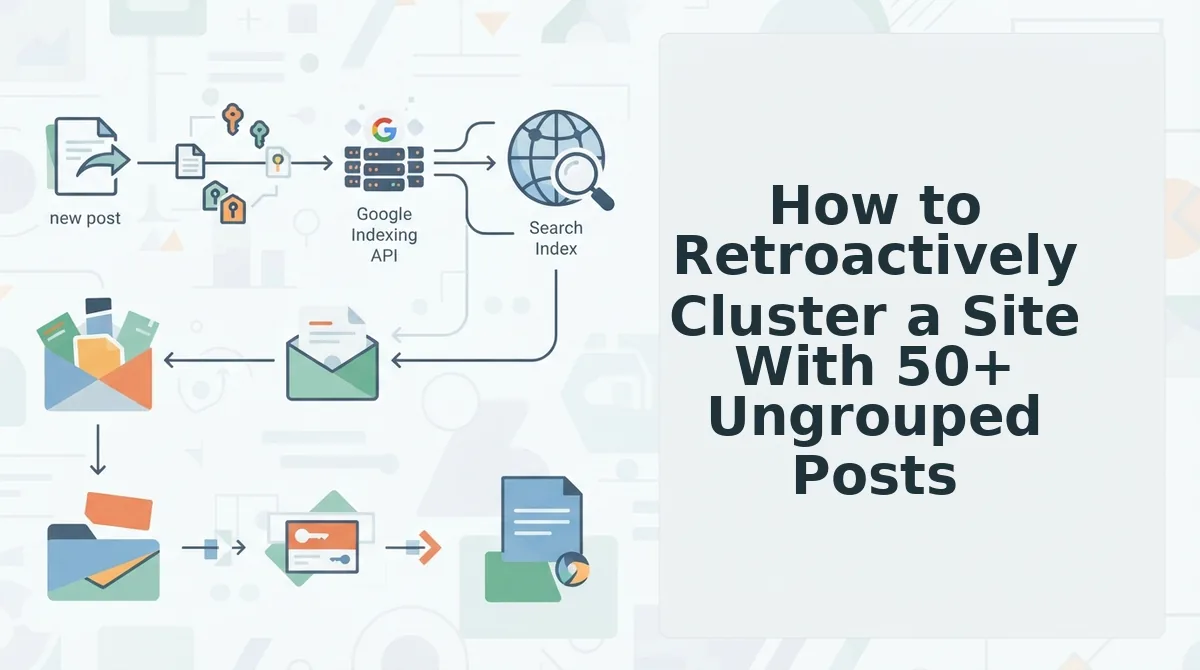
Retroactive clustering turns a messy archive into a coherent pillar-and-spoke structure by crawling your existing sitemap, detecting themes, grouping posts under proposed pillars, and generating a link map, without rewriting a single article.
Prerequisites: access to your XML sitemap URL, a crawl tool or clustering platform that ingests sitemaps, and 30-45 minutes of focused time.
- Export your full sitemap. Open your CMS or paste
yoursite.com/sitemap.xmlinto a crawler. You should see a complete list of every published URL, including orphaned posts you forgot existed. - Run a theme-detection crawl. Click Start Crawl and let the tool extract title tags, H1s, and internal anchor text from all 50+ posts. Expect 2-5 minutes of processing. You should see a preview of suggested content themes ranked by post count.
- Review proposed pillar assignments. Select each suggested pillar group and scan the posts assigned to it. Drag any misfit posts into a more accurate group. You should see each pillar accumulate a clear topical boundary.
- Generate the internal link map. Click Build Link Map to produce pillar-to-cluster and cluster-to-cluster link suggestions. You should see a visual graph showing which posts link where, including gaps where no internal links exist.
- Publish the link updates. Push the link map to your CMS or export it as a CSV for manual insertion. You should see a confirmation that all cluster links are live, typically within 10 minutes.
Troubleshooting: If the crawl misses posts, check whether your sitemap excludes certain post types or categories. Regenerate the sitemap and re-run the crawl before proceeding. For a deeper dive on identifying which terms your existing posts already rank for, extract target keywords from your own site first, that data sharpens pillar assignments.
Why Topic Clusters Matter for AI Answer Engines, Not Just Google
A topic cluster is a structured group of interlinked pages centered on one pillar page that covers a broad topic, with supporting posts addressing related subtopics. AI answer engines extract entities and relationships from internal link graphs, so clustered sites give them cleaner entity maps, and cleaner maps increase citation odds in AI-generated answers.
Think of a topic cluster like a well-organized filing cabinet. Google rewards the cabinet because every drawer has a label and every folder points back to the main index. AI answer engines go further: they read the labels, trace which folders reference each other, and build a mental model of what your site is an authority on. A scattered site looks like a box of loose papers, nothing connects, so nothing gets cited.
At a basic level, internal links tell crawlers which pages matter. At an intermediate level, consistent anchor text and pillar-to-cluster links reinforce topical authority. At an advanced level, AI systems parse those links as entity relationships, recognizing that your pillar page about "content strategy" is the parent entity for child entities like "keyword research" and "internal linking." When an AI answer engine needs a citable source on a subtopic, it favors sites whose entity map is unambiguous.
Passage for direct indexing: AI answer engines like those powering ChatGPT, Perplexity, and Google's AI Overviews do not rank pages the way traditional search does. They extract named entities, people, products, concepts, and map how those entities relate across your site's internal link structure. A clustered site presents a clear hierarchy: one pillar entity connected to multiple supporting entities through descriptive anchor text. This structure lets the AI confidently attribute a specific claim to your page, which is the mechanism behind getting quoted in AI answers. Without clusters, your pages compete as disconnected entities and get passed over for sources with clearer relational maps.
If your goal is to be the source AI engines quote, AEO optimization starts with the same structural work: group your content so machines can trace the relationships. BloGoose builds that structure automatically from your existing sitemap, so you can skip the manual mapping and go straight to being citable.
Manual vs One-Click Clustering: The Real Cost
Manual clustering gives you full control and zero tooling costs, but it demands 6-10 hours for a 50-post site and breaks every time you publish something new. One-click clustering trades that control for speed, under 5 minutes, and a structure that updates itself.
| Factor | Manual Clustering | One-Click Clustering |
|---|---|---|
| Time for 50 posts | 6-10 hours | Under 5 minutes |
| Error rate | High, missed orphans, inconsistent pillar logic | Low, crawl-driven theme detection |
| Maintenance burden | Re-map after every new post | Automatic re-clustering on publish |
| Cost | Free (your time only) | Platform subscription |
| Best for | Solo bloggers with under 20 posts who enjoy the process | Content managers and SEO leads scaling past 30 posts |
Manual clustering is genuinely better for tiny sites where you know every post intimately and want granular control over every link. One-click clustering wins the moment your archive outgrows your memory, which is exactly when the FAQ below becomes relevant.
FAQ About Organizing Topic Clusters in One Click
One-click topic clustering uses an AI content engine to crawl your site, detect semantic relationships between posts, and group them under pillar pages automatically, no manual spreadsheet mapping required.
What is the difference between a keyword cluster and a topic cluster?
A keyword cluster groups search terms by shared intent; a topic cluster groups published pages by shared subject. Keyword clusters inform what you write, while topic clusters organize what already exists into pillar-and-spoke structures that search engines can crawl and cite.
How many supporting posts does a pillar page need?
A pillar page typically needs 5-15 supporting posts to establish topical authority. Fewer than five leaves the cluster too thin for search engines to recognize the relationship; more than fifteen often signals dilution unless the subtopics are genuinely distinct and internally linked back to the pillar.
Why does topic clustering help with AI search engines?
AI search engines cite pages with clear topical relationships because they extract answers from content that demonstrates depth and connected context. When a pillar page links to supporting posts that each answer a specific subtopic, AI models can trace the relationship and quote the most relevant page with higher confidence.
How do I organize 200 ungrouped blog posts into topic clusters?
Run the posts through a one-click clustering tool that crawls your sitemap, analyzes semantic similarity across all 200 URLs, and proposes pillar pages with assigned supporting posts. You then review the suggested groupings, approve or adjust them, and publish the internal link structure, a process that takes minutes instead of weeks of manual spreadsheet sorting.
Can I retroactively cluster posts that were never planned as a cluster?
Yes. Retroactive clustering works by scanning existing content for shared entities, headings, and internal link patterns, then reconstructing logical pillar-and-spoke relationships. The tool identifies orphan posts that fit an existing cluster and flags content gaps where new supporting posts would strengthen the pillar's topical coverage.
Turn Your Existing Content Into a Rank-Ready Cluster Structure
One-click clustering turns hours of manual mapping into minutes, and in 2026 that speed is the ranking advantage. While competitors are still sorting spreadsheets, your site can already be publishing interlinked clusters that both Google and AI answer engines recognize as authoritative.
The open loop from the start, whether a one-click tool can match a strategist's judgment, resolves here: it can, because the engine reads your actual published content, not a keyword list. The relationships it proposes are grounded in what you have already written.
Your next step is to drop your domain into BloGoose and let it crawl your sitemap, detect your existing topical relationships, and generate a cluster structure you can approve in one sitting. The structure you have been postponing is one click away, and the sites that ship it first are the ones AI engines quote first.