
How to Build a Sectional Drafting Workflow for Blogs
You've spent three hours prompting an AI to "sound more like us," only to get back a draft that reads like every other generic blog post on page two. That's the stack sprawl problem in miniature: five tools, zero voice consistency, and a publishing loop that eats your afternoon. A sectional drafting workflow for blogs fixes this by treating each part of a post as its own constrained task, drafted, reviewed, and merged under rules that never drift.
You're right to be frustrated with robotic AI drafts. Here's the promise: by the end of this guide, you'll have a repeatable sectional workflow that produces voice-accurate, rank-ready posts without manual prompt engineering. We'll cover brand context extraction, section-to-agent mapping, and merge rules that keep tone consistent. One surprising finding ahead: competitors treat voice as a single-pass edit, but the winning approach applies it as a per-section constraint, and AI SEO content engine platforms like BloGoose already do this by extracting brand context from sitemaps and generating eight editable Markdown context files before a single section is drafted.
What Sectional Drafting Actually Is (and When It Beats One-Pass Drafting)
Sectional drafting is a content production method that splits a blog post into independently drafted, reviewed, and merged sections, each governed by its own constraints. Instead of generating an entire article in one pass, you draft the introduction, body sections, and conclusion as separate units, then assemble them under shared rules for tone, entities, and structure.
Think of sectional drafting like building a house room by room with a different specialist contractor for each space, but one shared blueprint. The electrician doesn't guess where the kitchen island goes; the blueprint constrains every decision. Similarly, each section of your post gets drafted by a focused process that already knows the brand voice, target keywords, and internal link map before it writes a single sentence.
Start simple: draft the introduction and conclusion separately, then fill the body. At the intermediate level, assign each H2 section its own drafting pass with a shared style guide. Advanced teams run multi-agent workflows where each section gets an owner, a review gate, and a merge step that checks for tone drift and entity mismatch across the full post.
When should you use sectional drafting versus a monolithic one-pass draft? Use sectional for pillar content, voice-heavy posts, and multi-agent teams where consistency risk is high. Use monolithic drafting for short posts, single-voice content, and time-sensitive news where speed outweighs structural control. The decision matrix is simple: if a tone error in one paragraph would damage trust, draft sectionally.
Sectional drafting reduces the cost of revision because a flawed section gets redrafted in isolation rather than forcing a full-post regeneration. It also makes AI-generated content auditable: each section carries its own constraints, so you can trace why a paragraph sounds off and fix the guardrail instead of re-prompting blindly.
Step 1: Extract Brand Context Before You Draft a Single Section
Every sectional workflow starts with brand context files, the per-section guardrails that prevent tone drift and entity mismatch before drafting begins. Without them, each section gets written in a vacuum and the merged post reads like a committee of strangers.
Prerequisites: your live website domain and access to a content engine that can crawl it. BloGoose handles this automatically by crawling your sitemap and generating eight editable Markdown context files, including a style guide, target keywords, and internal link map.
- Open your content engine's setup wizard and enter your domain. The crawler locates your XML sitemap and inspects published pages. You should see a confirmation that your site structure was detected.
- Review the generated brand context files. BloGoose produces eight Markdown files covering style guide, target keywords, internal link map, and more. Open each one and confirm the voice rules match how you actually write.
- Edit any context file that feels off. Change tone descriptors, add forbidden phrases, or adjust keyword priorities. Each edit becomes a constraint applied to every section drafted afterward.
- Save the context set. You should see a green checkmark confirming the files are active. From this point, every section draft pulls from the same guardrails instead of guessing.
Each context file acts as a per-section guardrail, so an introduction drafted today and a conclusion drafted next week still sound like the same author. With brand context locked in, you're ready to assign sections to agents and give each one an owner.
Step 2: Map Sections to Agents and Assign Ownership
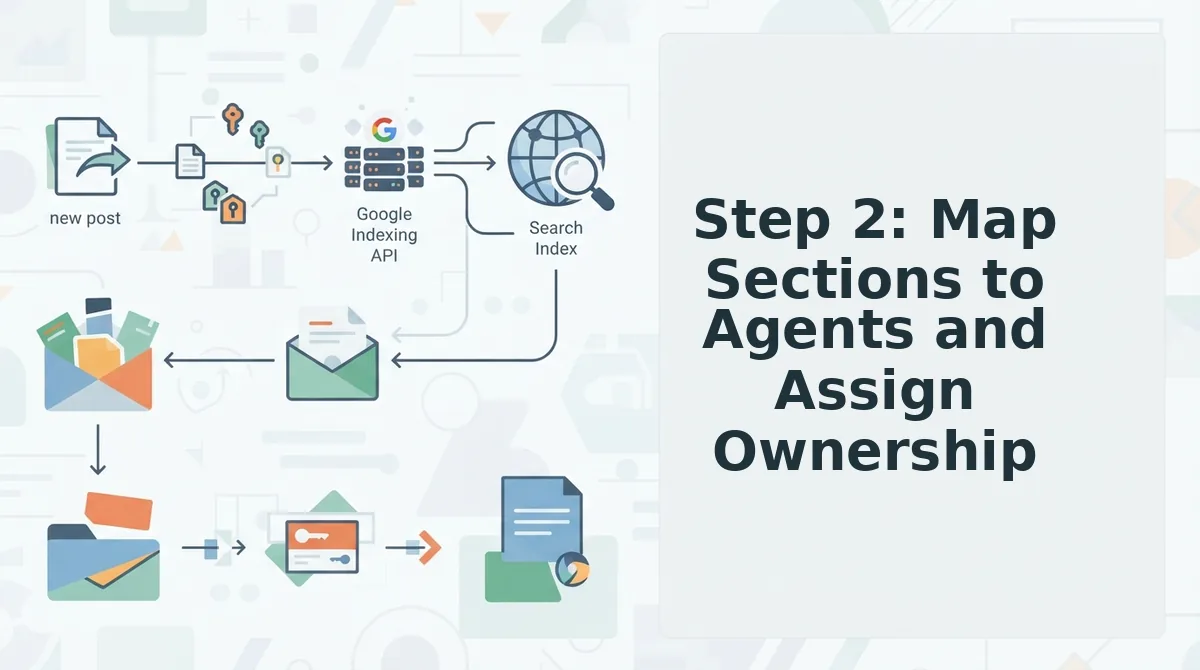
Sectional drafting works because every section has a single named owner. Before you write a word, assign each planned section to the agent that will draft, review, or approve it.
Prerequisites: A completed site crawl with extracted brand voice rules, a pillar-page outline with H2s, and access to your AI SEO content engine workspace.
- Open the Outline view and list every H2 as a row. Click Outline in the left sidebar, then expand the pillar post you mapped in Step 1. You should see each H2 with an empty Owner column.
- Select the Research agent for any H2 that needs entity coverage or a source list. Click the Owner dropdown on the first H2 and choose Research. The agent will return a brief containing target entities, supporting statistics, and internal link anchors within 2-4 minutes.
- Select the Drafting agent for section prose. Click the Owner dropdown on body sections and choose Drafting. This agent writes the section copy against the brief the Research agent produced, not from a blank prompt.
- Select the Review agent for every section that carries a conversion or compliance risk. Click the Owner dropdown on pricing, claims, or comparison sections and choose Review. The agent checks tone match, entity presence, and internal link placement before the section enters the merge queue.
- Confirm the handoff chain. Click Save Assignment Map in the top-right corner. You should see a green checkmark next to each H2 and a handoff arrow from Research to Drafting to Review.
Here is the agent-to-section mapping most teams miss:
| Section type | Owning agent | Deliverable | Handoff to |
|---|---|---|---|
| H2 briefs, entity lists, internal link anchors | Research | Section brief | Drafting |
| Body prose, examples, transitions | Drafting | Section draft | Review |
| Quality gates, tone checks, link validation | Review | Pass/fail verdict | Merge queue |
A publisher drafts pillar posts sectionally because voice drift kills long-form. When one agent owns the brief, another owns the prose, and a third owns the gate, no single section can quietly rewrite your brand.
Step 3: Draft Each Section Against Its Own Brief
A section brief is the constraint layer that keeps AI drafts from going robotic. Each section gets its own brief before drafting begins, and the drafting agent writes only against that brief.
Prerequisites: A completed assignment map from Step 2 and a SEO content brief template loaded in your workspace.
- Open the first section brief generated by the Research agent. Click the section name in the Outline view. You should see five fields: H2 heading, target keywords, internal link anchor, voice rules, and answer lead.
- Type the answer lead first. In the Answer Lead field, enter a one-sentence direct answer to the section's core question. This sentence becomes the first line under the H2 and the snippet candidate for AI answer engines.
- Paste the target keywords into the Keywords field. Click Add Keyword and enter each term from the brief. The drafting agent will weight these terms without stuffing them.
- Set the internal link anchor. Click Link Anchor and select the destination page from the dropdown. The drafting agent will place this link once, in the most contextually relevant sentence.
- Click Draft Section and wait 60-90 seconds. You should see a draft that opens with your answer lead, uses the target keywords naturally, and includes the internal link exactly once.
Here is a worked example of a section brief for a pillar post on email deliverability:
- H2 heading: Why SPF and DKIM Fail Without DMARC Alignment
- Target keywords: DMARC alignment, SPF failure, email authentication
- Internal link anchor: email deliverability checklist
- Voice rules: Direct, second-person, no passive voice, maximum 2 sentences per paragraph
- Answer lead: SPF and DKIM fail when the domain in the From header does not match the domain authenticated by either protocol, a mismatch DMARC alignment fixes.
This is where most AI drafts go robotic: they lack per-section constraints. A brief turns a generic generation into a bounded, on-voice section.
Step 4: Run the Per-Section Quality Gate
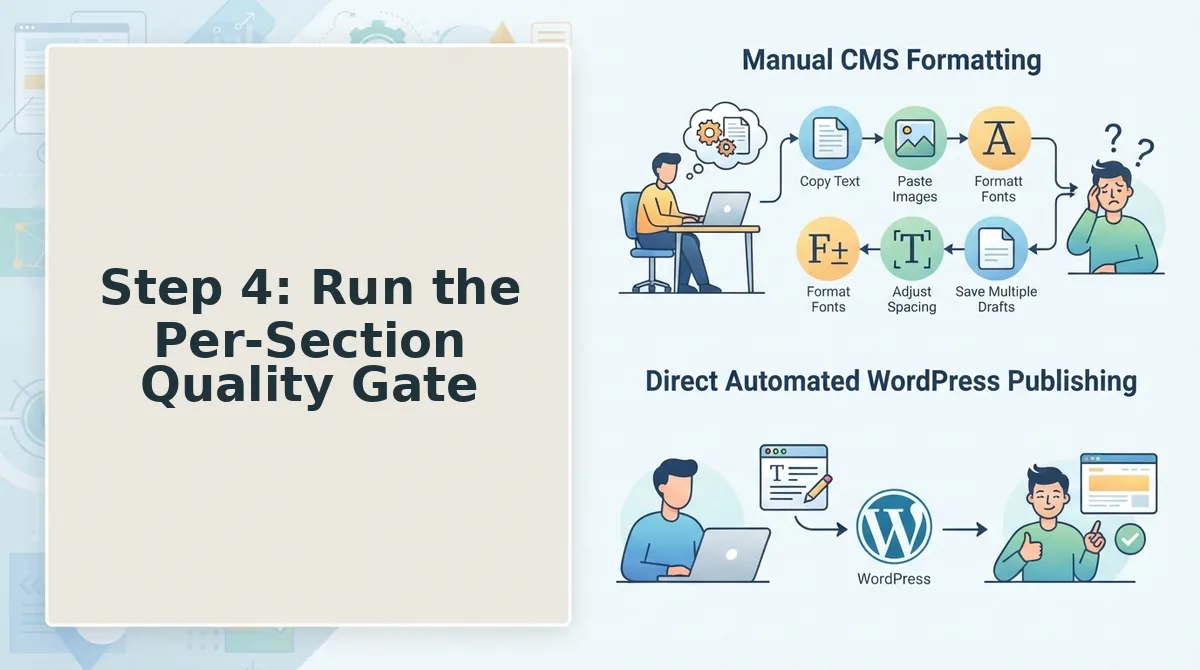
A quality gate is a pass/fail checkpoint applied to every section before it enters the merge queue. Run these five checks in order; a section that fails any check returns to the drafting agent with a revision trigger attached.
- Tone match. Compare the section against your extracted brand voice rules. If the section uses passive voice, first-person plural, or sentence lengths outside your range, it fails. This matters because voice drift compounds across sections and produces a post that reads like five different writers. Use the Review agent's tone score and reject anything below your threshold.
- Entity match. Confirm the section mentions the target entities from the brief at least once each. If a section about DMARC never names SPF or DKIM, it fails. This matters because entity coverage signals topical depth to Google and AI answer engines. Use the entity report in the Review panel to verify presence.
- Internal link present. Verify the assigned internal link anchor appears exactly once in the section. If the link is missing or appears twice, it fails. This matters because a single contextual link per section preserves crawl paths without diluting anchor relevance. Use the link validator in the Review panel.
- Length within range. Check the section word count against the brief's target range. If the section runs 40% over or under, it fails. This matters because oversized sections unbalance the pillar page and undersized sections fail to cover the H2 promise. Use the word count badge next to each section.
- Answer lead present. Confirm the first sentence under the H2 is a direct answer to the section question. If the section opens with throat-clearing or background, it fails. This matters because answer leads are the primary snippet and AI citation candidates. Use the snippet preview in the Review panel to see how the lead renders.
Revision triggers are the specific reasons a section returns to drafting: tone drift, entity mismatch, missing internal link, or keyword cannibalization. Attach the trigger to the rejection so the drafting agent fixes the right problem instead of rewriting the whole section. For a repeatable pass/fail loop, keep an SEO guidelines checklist open in a second tab and check each section against it before approving the merge.
Once every section passes the gate, you are ready to merge the pieces into a single draft.
Step 5: Merge Sections and Fix the Seams
Merging sectional drafts requires a dedicated coherence pass that targets transition gaps, repeated definitions, and keyword cannibalization, the three seam issues that make multi-agent content read as stitched-together fragments.
Prerequisites: All section drafts passed the per-section quality gate from Step 4. You need a single master document editor and your original content brief open side-by-side.
- Open your master document and paste all approved sections in their intended order. You should see the full article as one continuous draft for the first time.
- Scan the last sentence of each section and the first sentence of the next. Rewrite any transition that jumps topics without a bridging phrase. Expected outcome: each section hands off to the next with a logical connector.
- Search the merged document for repeated definitions using your editor's find function (Ctrl+F or Cmd+F). Delete every duplicate definition except the first occurrence, then link back to it where needed. You should see zero redundant explanations.
- Check each target keyword against the sections where it appears. If two sections compete for the same primary keyword, consolidate the ranking intent into one section and demote the other to supporting context. Expected outcome: one section owns each keyword.
- Read the merged draft aloud once, timing yourself. A 2,000-word article should take roughly 10-12 minutes. Flag any sentence that breaks your reading rhythm for a final polish pass.
If your stack includes an automated blog publishing engine, you can configure it to run this merge-and-seam-check automatically before the draft reaches your CMS, cutting the manual pass to under five minutes.
Step 6: Publish, Index, and Let the Workflow Compound
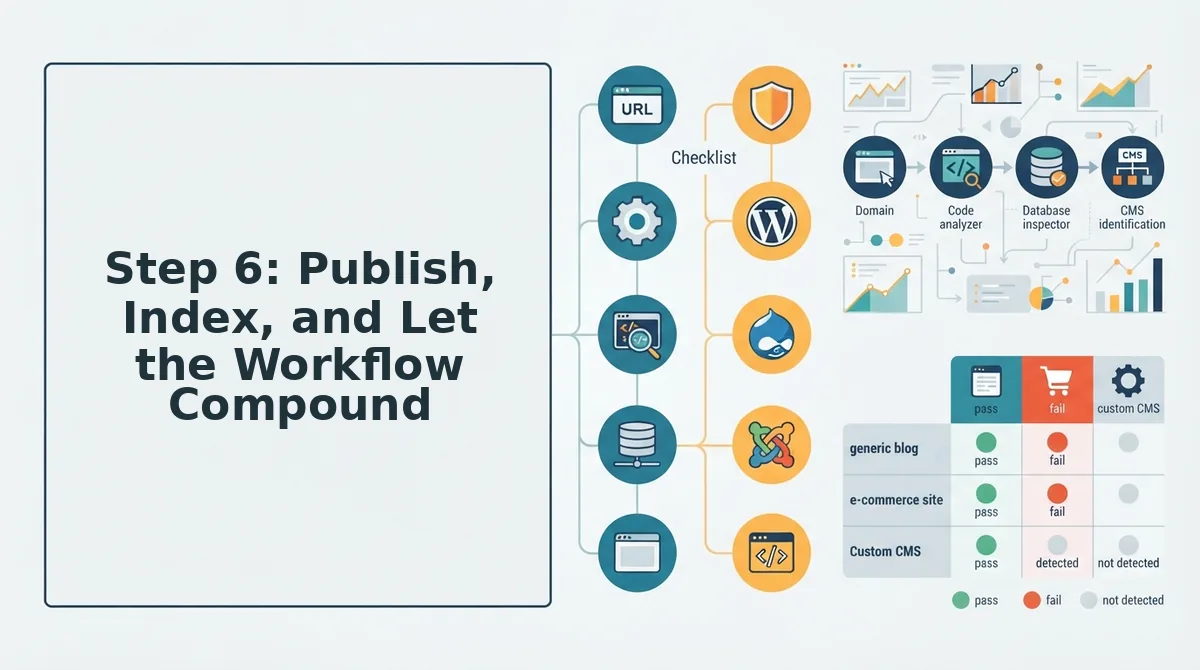
Publishing is not the finish line, it is the trigger for indexing and AI citation readiness, and the two steps below close the loop so each sectional draft compounds into search visibility.
Prerequisites: A merged, seam-checked draft from Step 5 and access to your CMS or publishing API.
- Click Publish in your CMS or send the draft through your publishing API. You should see the live URL within 30 seconds, and the post should render with all headings, lists, and internal links intact.
- Open Google Search Console, then navigate to URL Inspection. Paste the live URL and click Request Indexing. Expected outcome: Google acknowledges the request and typically crawls the page within hours, not days. For programmatic scale, use the Google Indexing API to ask Google to crawl new posts immediately after each publish.
- Review each H2 and the first paragraph under it for direct-answer structure. Rewrite any passage that cannot stand alone as a 40-60 word answer. This is the core of getting cited in AI answers, since chatbots extract self-contained passages, not full articles.
- Log the publish date, target keywords, and indexing status in your content calendar. You should see a growing record that turns one-off drafts into a repeatable, compounding workflow.
Next step: run your first full sectional draft through BloGoose's site crawl and brand context extraction to see how the merge-to-publish loop works end to end.
FAQ: Sectional Drafting Workflow for Blogs
Sectional drafting splits a blog post into independently written sections, each with its own brief and quality gate, then merges them through a seam-fixing pass. It suits long, voice-heavy, multi-agent content where consistency and speed both matter.
How do I keep brand voice consistent across sections written by different people or agents?
Use a brand context file as a per-section guardrail. Extract voice rules, terminology, and formatting preferences from your existing site before drafting, then attach that file to every section brief so each writer or agent works from the same constraints.
When should I use sectional drafting instead of writing a post in one pass?
Use sectional drafting for long posts, voice-heavy content, or multi-agent workflows where parallel work saves time. Use monolithic one-pass drafting for short posts, single-voice pieces, or time-sensitive news where coordination overhead exceeds the drafting time.
How do I review a sectional draft quickly without reading the whole thing twice?
Run the per-section quality gate with pass/fail criteria, keyword placement, brief compliance, transition check, and duplicate scan; instead of a full read-through. Only sections that fail the gate get a manual review, cutting total review time by half or more.
What causes seams between sections, and how do I fix them?
Seams come from transition gaps, repeated definitions, and keyword cannibalization. Fix them by adding bridging sentences between sections, deleting duplicate explanations after the first occurrence, and assigning each target keyword to a single owning section.
Does sectional drafting work for AI-generated content?
Yes, and it is often the most reliable way to produce AI content at scale. Each section gets its own brief and quality gate, so you catch hallucinations, voice drift, and keyword stuffing before the merge step instead of after a full draft is complete.
Sectional Drafting Is a System, Not a Single Draft
The six steps only deliver compounding returns when they run as one connected loop. Brand context files constrain every section. Quality gates run before merge. Shared rules keep agents aligned. Skip one link and the workflow degrades into fragmented drafting with extra steps.
That's the open loop from the start: sectional drafting fails when sections are drafted without shared rules. The fix isn't more prompts. It's a system that enforces constraints at every stage.
- Start with BloGoose to extract brand context and generate section briefs from your existing site structure.
- Run the per-section quality gate before merge, every time.
- Publish, index, and let each article feed the next one's research layer.
The teams that treat this as a repeatable pipeline, not a one-off experiment, see the real payoff: faster drafts, fewer seam fixes, and content that ranks and gets cited consistently.
Sectional drafting works when brand context files constrain each section and a quality gate runs before merge.