
How a setup wizard site crawl captures your brand voice
You paste a 2,000-word system prompt into a standalone chat window, hoping the model mirrors your editorial voice, only to receive robotic copy. Manually configuring prompt instructions for every article wastes hours across disconnected tools. Executing a setup wizard site crawl eliminates this friction by converting your live URLs directly into permanent Markdown guidelines.
Fragmented writing workflows force teams to re-teach their perspective repeatedly instead of scaling organic output. You will learn how automated sitemap ingestion captures your exact vocabulary patterns and builds reusable editorial guardrails for production. This process relies on active websites with indexed pages rather than blank, unlaunched domains.
Consider a content team transitioning away from manual prompt sheets:
- Situation: Writers maintain fragmented spreadsheets to track voice traits, banned terms, and internal link targets.
- Action: The operator enters their root domain into an AI SEO content engine setup wizard to crawl live pages, XML sitemaps, and CMS configurations.
- Outcome: The crawl outputs eight editable Markdown files, including style-guide.md and internal-links-map.md, grounding every subsequent article in verifiable site context.
Curating these context files surfaces an unexpected signal: structural internal link patterns dictate machine voice comprehension far more than descriptive tone adjectives do. You can inspect how automated extraction translates existing site architecture into structured brand assets before scheduling your production calendar.
Understanding this context extraction begins with separating it from standard technical diagnostic scans.
Technical Audit Crawls vs Content Engine Context Crawls
A technical audit crawl analyzes site infrastructure like HTTP status codes and broken links, whereas a content engine context crawl parses your published editorial prose, syntax patterns, and site taxonomy to train an automated writing pipeline. Both mechanisms crawl web pages, but they extract entirely different layers of your domain.
A content engine context crawl is an automated ingestion process that analyzes existing site copy to extract voice rules, topical clusters, and editorial guidelines into structured reference files.
The core distinction between link health audits and automated brand context discovery lies in their end goal. Technical audit tools evaluate infrastructure viability: they flag redirect chains, 404 response codes, missing robots.txt directives, and duplicate canonical tags to ensure search engines navigate URLs cleanly. Conversely, a content engine context crawl inspects your actual sentences to map syntax cadence, terminology choices, and domain hierarchies. Instead of outputting a spreadsheet of server errors, it synthesizes the linguistic conventions required to draft rank-ready content that matches your existing catalog.
| Evaluation Criteria | Technical Audit Crawl | Content Engine Context Crawl |
|---|---|---|
| Data Ingested | Server response codes, header tags, and canonical paths | AST-level editorial parsing, vocabulary, and stylistic cadence |
| Primary Output | Issue logs, crawl errors, and site architecture maps | Editable brand context Markdown files and topic maps |
| Pipeline Purpose | Server optimization and indexability maintenance | Automated drafting and publication alignment |
Choose a technical audit crawl if you are debugging indexation drop-offs, migrating subdomains, or fixing internal redirect loops. Choose a context engine crawl if you need to generate consistent, voice-accurate articles without manual prompt-engineering homework.
- Best for Site Technicians: Technical audit crawls excel at highlighting broken redirects, oversized payloads, and indexation bottlenecks across legacy domains.
- Best for Content Publishers and Founders: Context engine crawls excel at extracting editorial guidelines directly from your published sitemap to feed autonomous drafting queues.
Our recommendation is to run standard diagnostic crawls for technical infrastructure maintenance, but deploy automated sitemap context extraction when building an organic search workflow. Inspecting the raw Markdown files generated by a context engine ensures your downstream articles mirror your genuine editorial voice.
Configuring this crawl requires only a live domain address and an accessible XML sitemap.
How to Run a Setup Wizard Site Crawl Step by Step
To run a setup wizard site crawl, input your root domain into the onboarding field so the engine can automatically parse your sitemap, prune non-editorial pages, and map your technical publishing environment. This setup sequence extracts your site structure into structured brand rules without requiring custom scraping scripts or manual data entry.
A setup wizard site crawl is an automated ingestion process that inspects existing published content to establish voice guidelines, keyword topics, and technical publishing parameters. Before starting, confirm you have an accessible root domain URL and an active XML sitemap index.
Follow these steps to complete the crawl sequence:
- Type your root domain into the onboarding field: Enter your primary website address (for example,
https://yourdomain.com) into the domain intake field and click Start Crawl. Within seconds, the crawler queries your root path to locaterobots.txtand locate your primary XML sitemap. - Verify detected technical endpoints: Review the technical infrastructure check as the engine executes automated CMS stack detection. The system tests for active WordPress REST API routes or headless endpoints, displaying a confirmed status indicator once it identifies where your published drafts will ship.
- Confirm path exclusion filters: Inspect the parsed URL feed as automated pruning rules strip non-editorial paths like
/cart,/checkout, and pagination taxonomies. You should see an organized list containing only informational articles, pillar resources, and core landing pages ready for context analysis. - Initiate brand context file generation: Click Generate Site Context to let the parser extract voice rules, keyword footprints, and internal linking targets from your validated URLs. The process completes in under two minutes, generating eight editable Markdown files directly inside your workspace.
Consider this practical deployment scenario.
An operator connects a content site with over 150 legacy posts to configure an autopilot publishing pipeline. After typing the root domain into the wizard, the crawler reads robots.txt, discards 42 utility URLs containing /cart and taxonomy pagination, and confirms direct WordPress REST API connectivity. Two minutes later, the wizard generates eight foundational Markdown files, including style-guide.md, target-keywords.md, and internal-links-map.md, completely eliminating manual spreadsheet mapping.
BloGoose handles this entire ingestion workflow automatically, turning your raw URL structure into rank-ready, voice-accurate articles delivered straight to your CMS. Start your setup crawl to replace multi-tool prompt stacks with a unified publishing workflow.
Once your URL structure and technical endpoints are validated, the system shifts focus from raw sitemap paths to the language patterns inside your text.
How Automated Crawlers Extract Brand Tone and Writing Rules
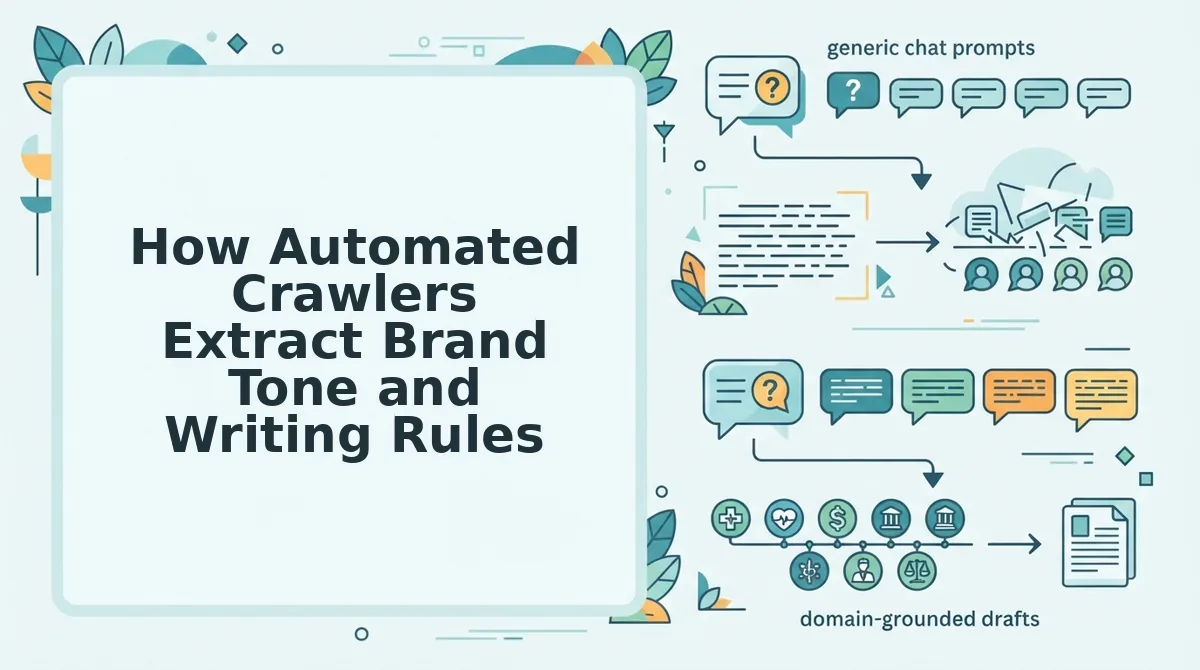
Automated crawlers extract brand tone by converting raw HTML body copy into measurable syntactic patterns, vocabulary constraints, and structural benchmarks across an existing domain. Rather than guessing an abstract editorial persona, the crawler treats published writing as a statistical baseline for style.
Can an automated engine reliably capture whether your editorial style sounds direct, academic, or conversational?
Brand voice extraction is the programmatic process of analyzing published website text to identify stylistic attributes, syntax rhythms, and vocabulary boundaries. When a setup crawler scans your live pages, it parses your article body elements and strips out boilerplate navigation. The engine calculates core syntax measurements, separating short declarative statements from complex multi-clause sentences. It then catalogs approved domain phrases, flags negative buzzwords to avoid, and charts how your site uses terminology across different topics. These rules turn raw editorial habits into clear, reproducible guidelines that keep new AI drafts aligned with your existing catalog.
Think of an automated crawler like a music producer analyzing an audio track: instead of merely listening for enjoyment, software measures exact tempo, dynamic range, and key signatures to reproduce the same signature sound.
During a crawl, the parser targets semantic HTML body tags while discarding site headers, sidebars, and navigation menus. This isolation guarantees that voice scoring reflects actual editorial substance rather than recurring template markup.
The ingestion pipeline evaluates text through three progressive levels of linguistic analysis:
- Cadence and syllable metrics: The crawler calculates average syllable density per word and measures sentence length variability. It tracks how often your writers use punchy six-word statements versus complex compound clauses.
- Voice ratio analysis: Syntax parsers perform a programmatic calculation of passive-to-active voice ratios across all body copy. This baseline identifies whether your archive favors direct action verbs or detached third-person phrasing.
- Vocabulary mapping: The engine conducts an automated extraction of domain-specific terminology, cataloging verified product names, recurring approved phrases, and negative brand buzzwords that must be excluded from future content.
Translating prose into discrete mathematical thresholds prevents generic phrasing from creeping into new drafts. Mastering this process is essential when teams set out to automate brand voice across programmatic production schedules.
Once these linguistic parameters are established, the engine compiles them into modular system files that govern subsequent writing tasks.
The 8 Context Files Built from Your Setup Crawl
A setup wizard site crawl converts dynamic sitemap data into eight deterministic local Markdown files that anchor your brand voice, search positioning, and technical publishing rules. A brand context file is a plain-text Markdown document containing structured parameters that guide an AI content engine during autonomous drafting. Converting crawl data into deterministic local Markdown references replaces ephemeral chat prompts with permanent editorial guardrails.
Why rent temporary AI memory when your domain can provide permanent rules?
- style-guide.md: This file defines syntax rules, heading formats, and vocabulary choices mined from your top-performing URLs. It ensures drafts match your editorial standards without manual tone adjustments. Use this file to generate markdown style guide from website data during setup to lock in formatting.
- internal-links-map.md: This document records canonical site hierarchy and URLs extracted directly from your XML sitemap. It prevents orphan posts by injecting relevant contextual links into new drafts automatically. Reference this internal link map to dictate which cluster pillars receive equity.
- target-keywords.md: This asset catalogs primary search entities and intent tiers derived from your live index. It eliminates keyword cannibalization by logging existing coverage before drafting starts. Open this file to assign high-intent search terms to upcoming publication slots.
- competitor-analysis.md: This file outlines competing domain positions and ranking gaps captured from live SERP queries. It prevents your engine from producing generic copy that mirrors existing results. Audit this document to target informational gaps your rivals missed.
- seo-guidelines.md: This file details metadata limits, heading densities, and citation standards required for search engines and chatbots. It guarantees technical compliance so crawlers parse layouts cleanly. Edit this document to enforce specific snippet thresholds across your CMS stack.
- brand-voice.md: This counterintuitive file translates inferred tonal markers, like sentence lengths and perspective, into rigid algorithmic constraints. It stops robotic AI phrasing by enforcing plainspoken vocabulary over marketing buzzwords. Inspect this file to ban unwanted filler phrases from draft outputs.
- writing-examples.md: This library stores high-converting excerpt models pulled from your published pages. It gives the AI engine real-world structural benchmarks for natural transitions and introductions. Paste your best paragraph hooks into this reference to sharpen introductory pacing.
- seo-context.md: This master document establishes core business boundaries, audience segments, and prohibited claims. It safeguards editorial accuracy by preventing hallucinated features and unverified statistics. Update this file whenever your product offering or priority markets change.
By establishing persistent Markdown files, BloGoose lets you publish voice-accurate, rank-ready articles directly to WordPress without managing prompt sprawl or paying separate LLM fees.
Reviewing these generated files confirms whether the crawl captured your actual editorial nuance.
How to Verify Your Brand Voice Crawl Worked Accurately
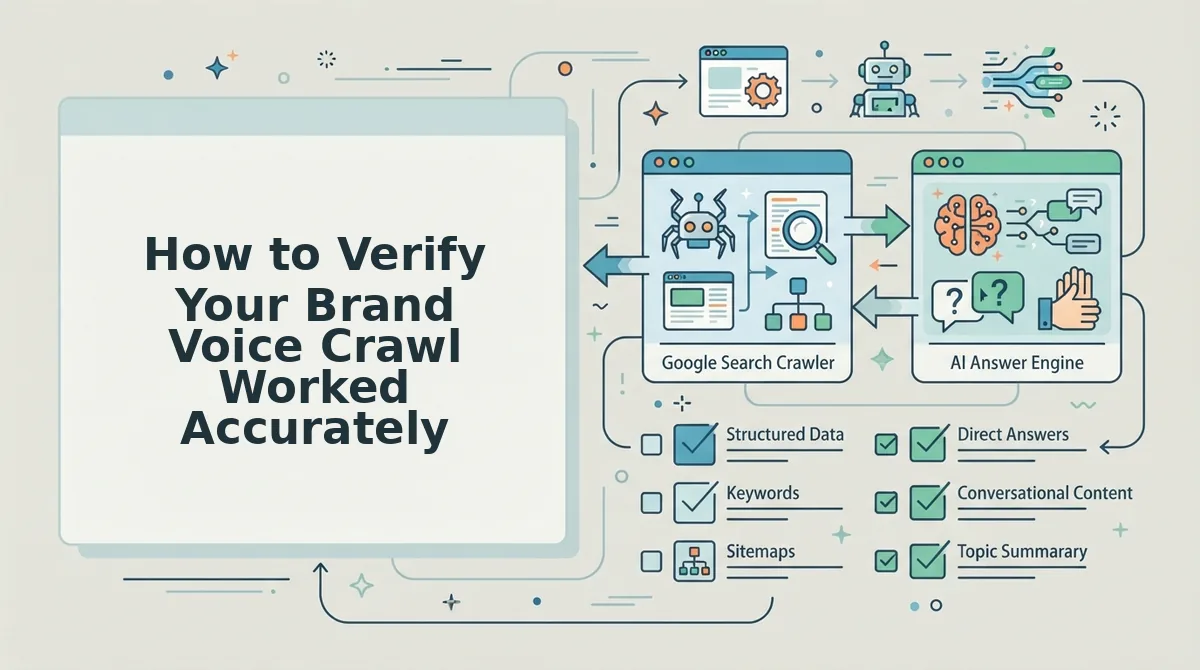
To verify that your brand voice crawl worked accurately, audit the extracted Markdown context files against your live editorial rules, test internal link associations, and generate a sample post to inspect CMS publishing endpoints. Running this three-point check prevents off-brand syntax from reaching production.
Imagine launching an automated pipeline only to realize your posts mimic generic AI copy rather than your brand's technical tone. Before validating your crawl, ensure you have completed the initial wizard crawl and have administrative access to your content dashboard, your connected CMS endpoints, and your indexing credentials.
- Open the generated brand context repository and select
style-guide.md(estimated time: 2 minutes). Review tone directives, prohibited phrases, and vocabulary constraints to confirm the engine extracted your genuine editorial boundaries. You should see explicit do-and-don't instructions rather than generic phrasing rules. - Select
internal-links-map.mdto evaluate link graph associations (estimated time: 2 minutes). Check that core pillar URLs, parent categories, and target landing pages match your actual site architecture. You should see valid target URLs assigned to relevant thematic clusters. - Click the test draft generator and inspect your publishing pipeline connections (estimated time: 3 minutes). Review how the preview draft renders layout elements, inline media, and metadata before verifying that headless CMS webhooks or WordPress REST API connections transmit properly. Verify that automated indexing configurations are enabled so you can ask google to crawl new posts immediately upon release. You should see a formatted draft render successfully without broken shortcodes or webhook failure notices.
Consider a publisher validating their setup: their site crawl produced eight brand context files, but their headless CMS webhook endpoint returned a formatting mismatch on initial test payloads. The publisher opened the context dashboard, verified that style-guide.md correctly prohibited conversational fluff, updated the custom API payload settings to match their schema, and triggered a second preview render. The test article pushed cleanly to the staging CMS with exact structural headings and operational indexing signals intact.
Review the most common questions regarding site wizard ingestion and setup crawl verification below.
Frequently Asked Questions About Site Wizard Ingestion
Site wizard ingestion converts raw domain HTML into structured Markdown brand context files in under seven minutes. Does your technical stack support automated crawling?
How do I bypass Cloudflare WAF restrictions during the setup crawl?
You whitelist the crawler IP address or user-agent within your Cloudflare Security WAF custom rules. Enterprise firewalls often challenge automated bots with managed challenge screens. Adding a temporary allow rule prevents 403 Forbidden errors and lets the parser extract pristine page body text and metadata without dropping site defenses.
How long does the setup wizard take to parse a 500-page sitemap?
Parsing a 500-page editorial sitemap takes between three and seven minutes on standard server configurations. The engine processes URLs asynchronously, stripping HTML boilerplate and extracting stylistic tone attributes in parallel. Markdown files compile instantly once batch analysis completes, providing immediate access to your style guide and keyword maps.
How does the ingestion wizard extract content from JavaScript websites?
The ingestion engine renders client-side JavaScript using headless browser instances before scraping page elements. Frameworks like Next.js, Nuxt, and React dynamic hydration are executed fully so no content is missed. This captures rendered heading hierarchies, internal links, and body copy accurately without leaving blank files.
Can the setup wizard ingest password-protected staging environments or private intranets?
Yes, the setup wizard supports authenticated crawling through custom HTTP headers, basic authentication credentials, and session cookies configured directly in the ingestion dashboard. Users specify bearer tokens or custom User-Agent strings, allowing the crawler to bypass perimeter security systems like Cloudflare Bot Management and AWS WAF without exposing staging environments to public search engines.
What technical safeguards prevent crawler throttling during bulk domain ingestion?
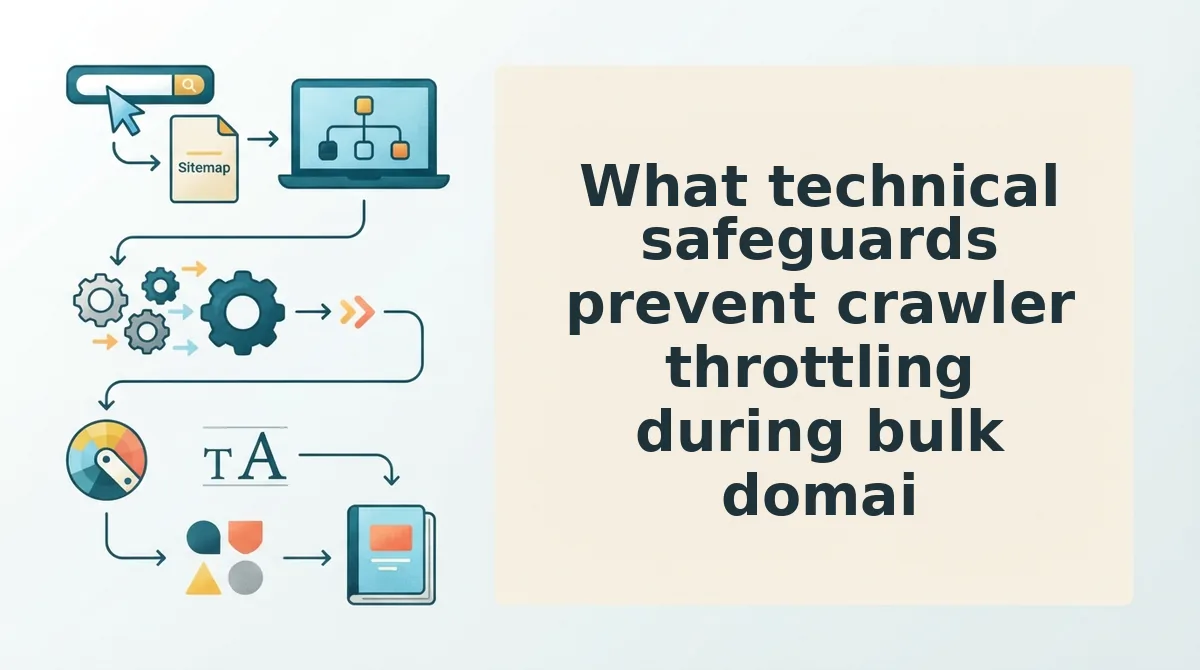
Automated request pacing, intelligent IP rotation, and dynamic backoff algorithms protect source servers from load spikes and prevent 429 Too Many Requests errors during migration scans.
The system distributes outbound extraction tasks across residential proxy pools while enforcing a default concurrency cap of 5 requests per second (RPS) per hostname. When edge servers return latency spikes over 1,200 milliseconds or initiate connection throttling, exponential backoff logic increases intervals from 250 milliseconds up to 4,000 milliseconds automatically.
- Adaptive Concurrency Tuning: Automatically scales worker threads between 1 and 25 based on real-time server response metrics.
- Asset Exemption Rules: Bypasses non-semantic static resources such as tracking scripts, external SVGs, and heavy media to reduce origin bandwidth consumption by up to 68%.
- Stateful Checkpoint Recovery: Saves batch progress at 50-URL intervals, enabling zero-loss job resumption if network disconnects or target server restarts occur.
Replace Prompt Homework with Automated Site Ingestion
Automating brand voice ingestion replaces fragile prompt engineering with a persistent context foundation extracted directly from your published domain architecture. You no longer need to spend hours summarizing stylistic rules, compiling internal link spreadsheets, or correcting generic AI tone drift.
Picture never copy-pasting voice guidelines into an empty chat prompt again. Instead of managing prompt homework for every single article, an automated sitemap crawl inspects real page structures to preserve technical nuance, terminology, and niche authority across your entire cluster strategy.
To eliminate manual stack coordination and deploy automated publishing, follow these implementation steps:
- Enter your root domain into the BloGoose setup wizard to scan your XML sitemap and generate your eight editable Markdown brand context files.
- Review your extracted tone and internal link maps to ensure your historical authority guides every upcoming topic cluster.
- Connect your destination publishing environment to establish a zero-configuration setup producing rank-ready articles connected directly to WordPress or your custom API.
A site-crawl ingestion engine transforms your existing domain structure into a perpetual editorial system, proving that the most accurate brand voice prompt is simply the work you have already published.